
If, as a Squarespace user, you haven’t come across Ghost Plugins by now, then let me introduce you to one of my favourite add-ons to a customised Squarespace site. Ghost Plugins list a generous amount of free and premium plugins that take your stock standard site to a new level of design. It’s that extra attention to detail that allows your site to stand out.
01. Show Me More Announcement Bar
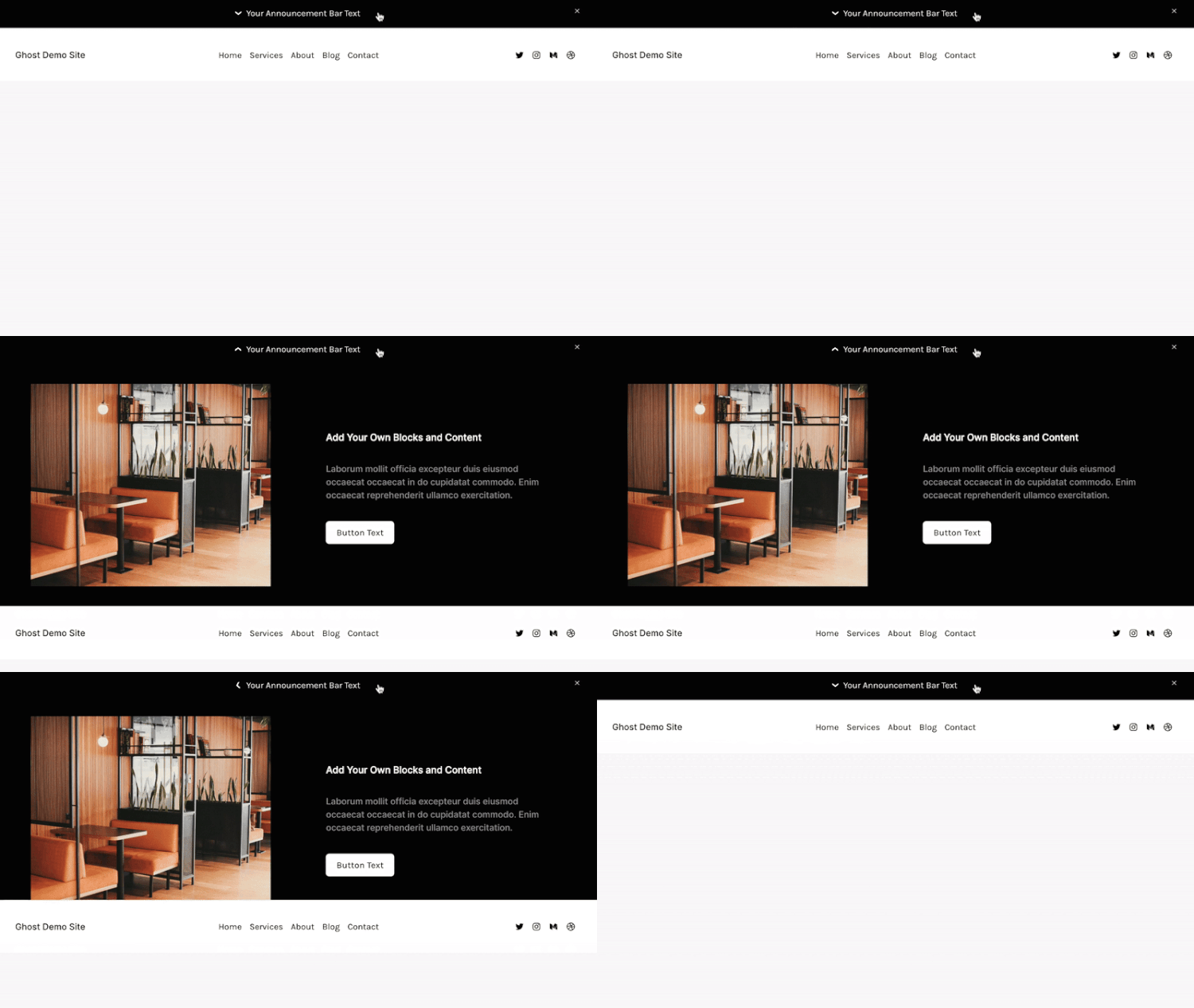
For $20.00 this new announcement bar style that drops down and displays a page section's content. It works with Squarespace 7.0 and 7.1, and you’ll need a Core/Business plan at least to allow for the code to be added. There are a few customisable options, so that you can swap out the colour within announcement bar styles, the image, text and button as you would edit on a normal page.
I recently added this to a site for a client who often launches new courses. It worked well for her to highlight her most recent course with more detail than the one sentence and link the usual announcement bar allows for.
Update: The Show Me More Announcement Bar has been retired.
I would have a look instead at the Four Corner Navigation which moves the header items into the four different corners of your screen to set up a really unique navigation. These are the types of customisations that allow your Squarespace site to look less like a template and more like something really premium.
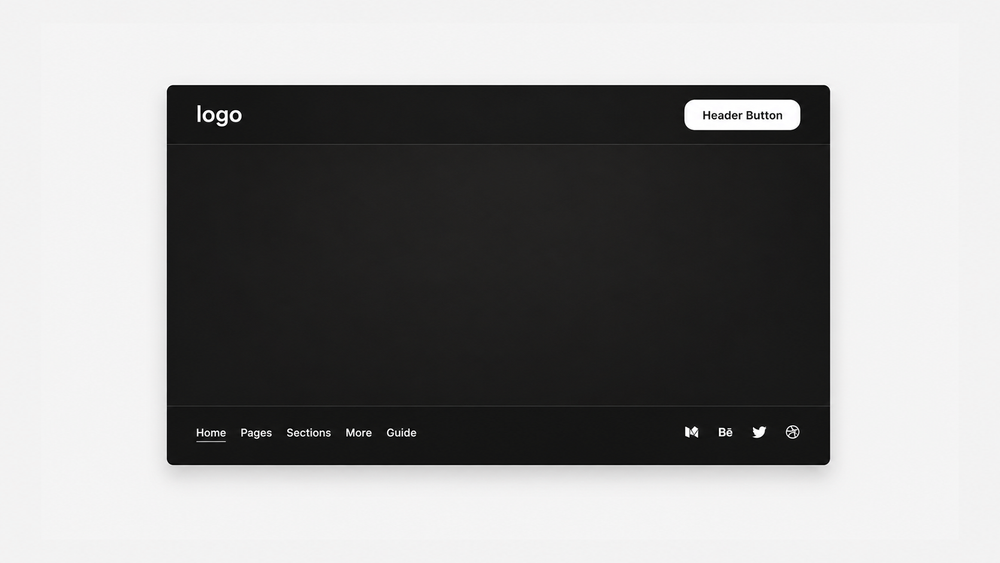
Check out the Four Corner Navigation plugin here.
02. Confetti Pop! Form 3.0 🎉
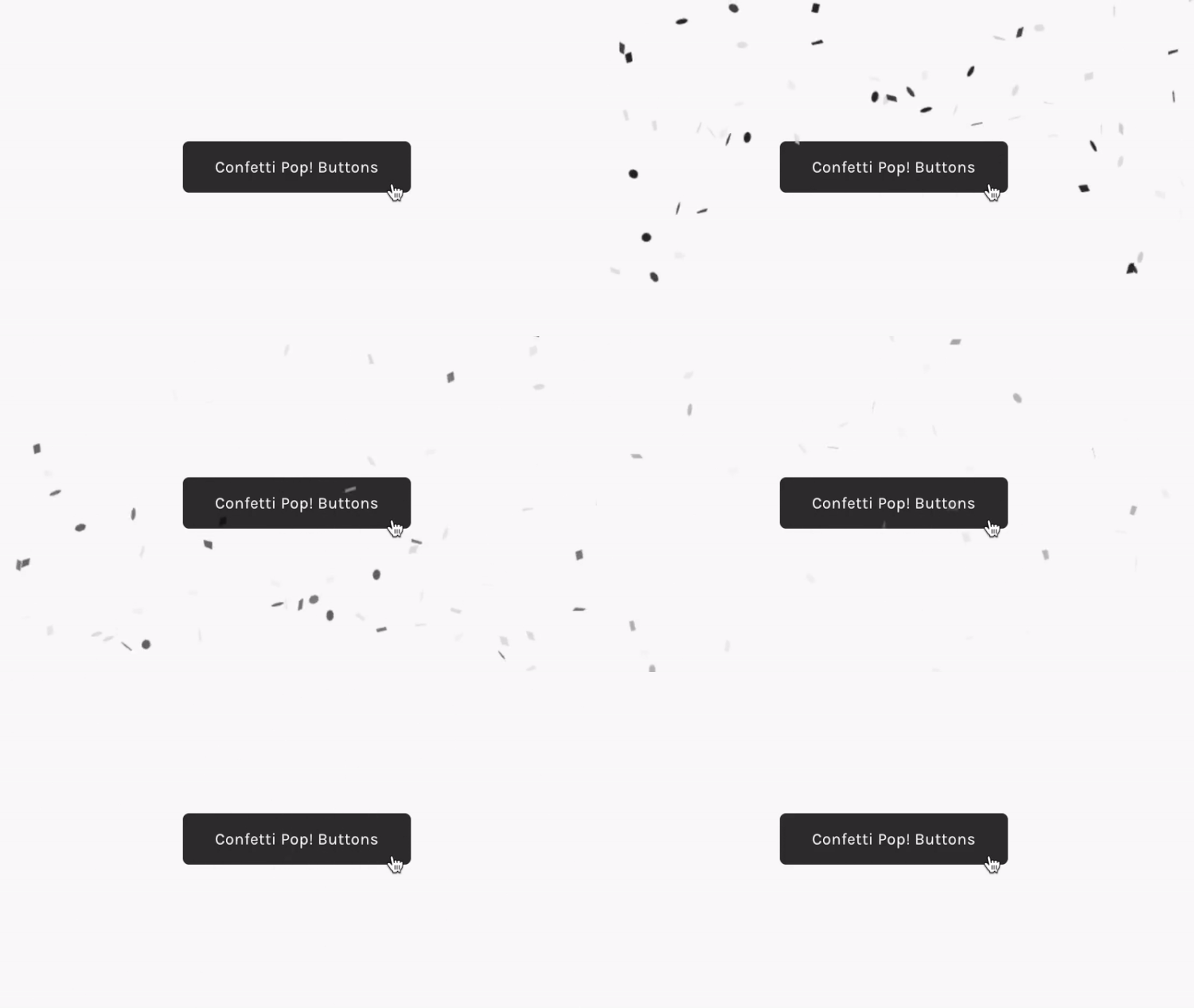
For $25.00 you get a bit of fun and celebration added to your site! On hitting submit on a contact (or other) form, confetti in customisable colours flies across your screen. It’s a digital celebration. It works with Squarespace 7.0 (Brine) and 7.1, requires Core/Business Plan or Higher and can be used with Contact forms and Newsletter Forms.
If you’re working with a client whose vibe and branding is fun, youthful and allows for a bit of silliness, I think its such a sweet pop of personality to add to a site. Pair it with a celebratory thank you/post-submit message and you’re good to go!
Buy the Confetti Pop! plugin here!
03. Forced Mobile Menu
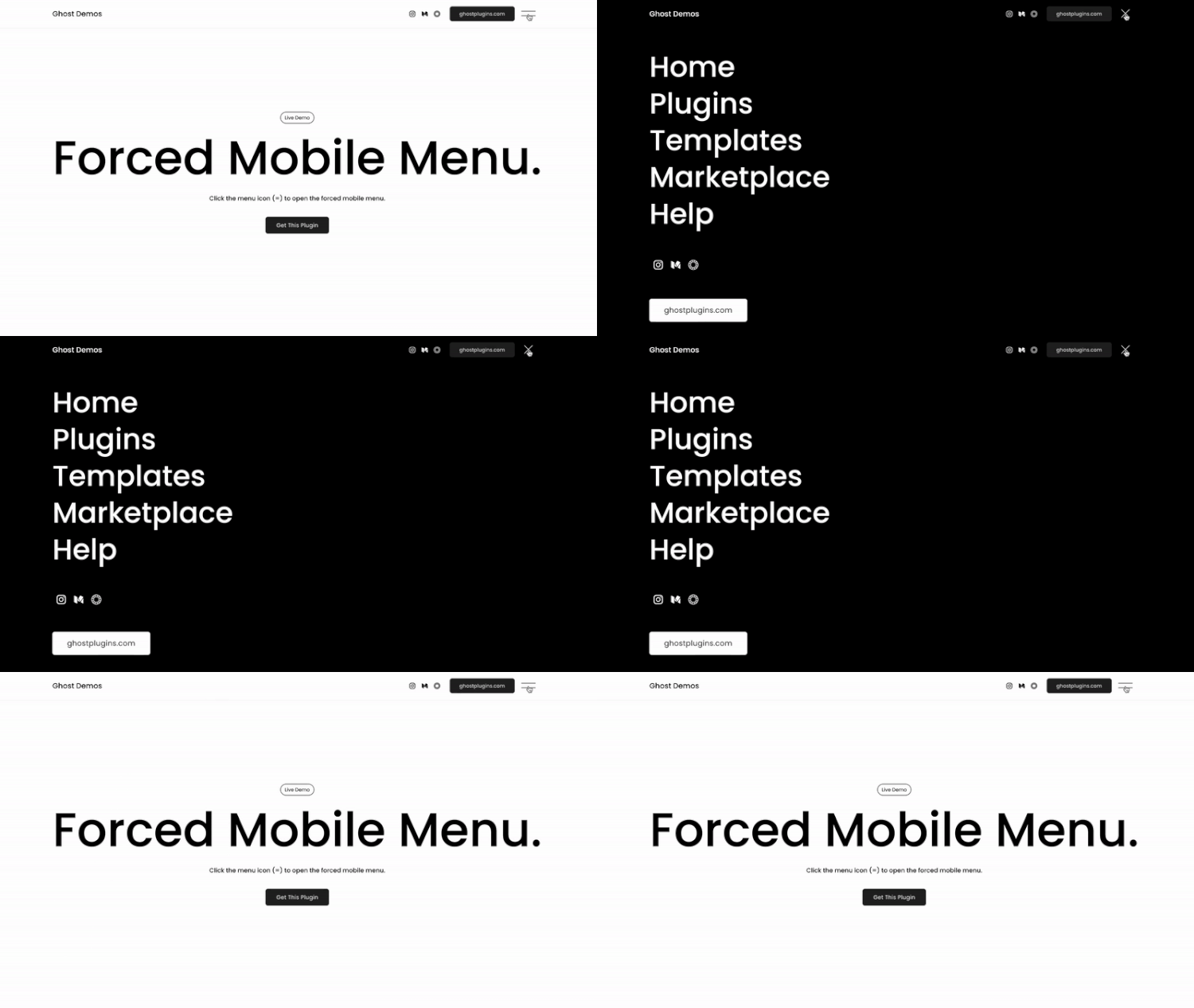
I’ve long been a fan of the forced mobile menu. What it does it apply the styling and behaviour of your mobile menu to desktop. I love using this on super minimal sites where you want to remove as much distraction as possible, and declutter your navigation leaving a very clean design.
For $25.00 you can install this on any Squarespace 7.1 website, as long as you have the Core/Business Plan or Higher. There are a few customisable options, as there would be for mobile, and you can style your menu as you would usually within the Squarespace settings.
Get your Forced Mobile Menu plugin here.
04. Dot Cursor

For something a little different, and to set your site apart from a design point of view, you may want to consider an alternative cursor, like this dot! This is a free plugin that changes the default cursor into a minimal dot character. You can customise the colour, size, and behaviour of the dot. It works with a Squarespace 7.1 site, and is very simple to install.
Grab the Dot Cursor plugin for free here.
05. Blog Post Banner Image
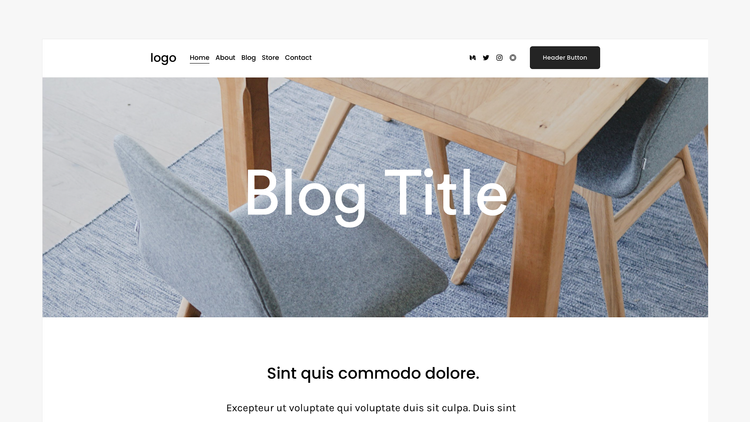
For those of us who still miss the full width blog background option that was available to us on Squarespace 7.0, here’s a way to head back to the past and apply a blog title background image to your 7.1 site.
For $30.00, on Squarespace 7.1 on the Core/Business Plan or Higher you can add back this favourite feature from the past, and customise the height, overlay colour, text size and zoom animation.
Get the Blog Post Banner Image plugin here.
One last one for good measure.
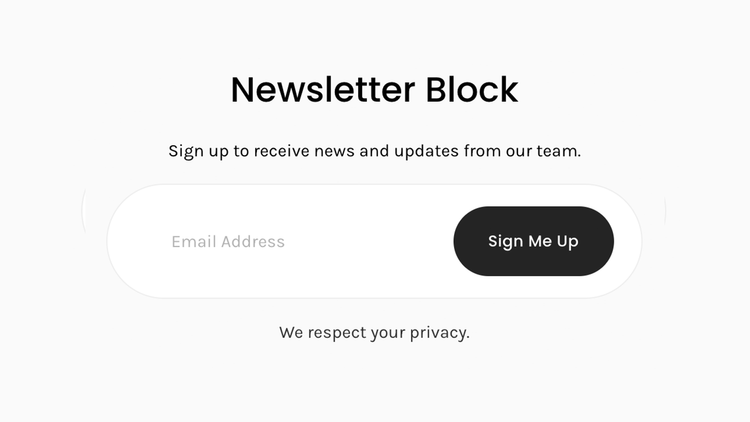
And a last freebie, the Newsletter Block - Super Pill Style. Even with all the options for styling forms and newsletter blocks, I still love the design of this Super Pill Style. It just looks cool. Period. Of course, you can customise the padding, colour, button, text etc, both within the CSS section and within Squarespace’s styling panel. Another way to add a unique touch to your site.
Grab this free plugin here.
Ghost Marketplace
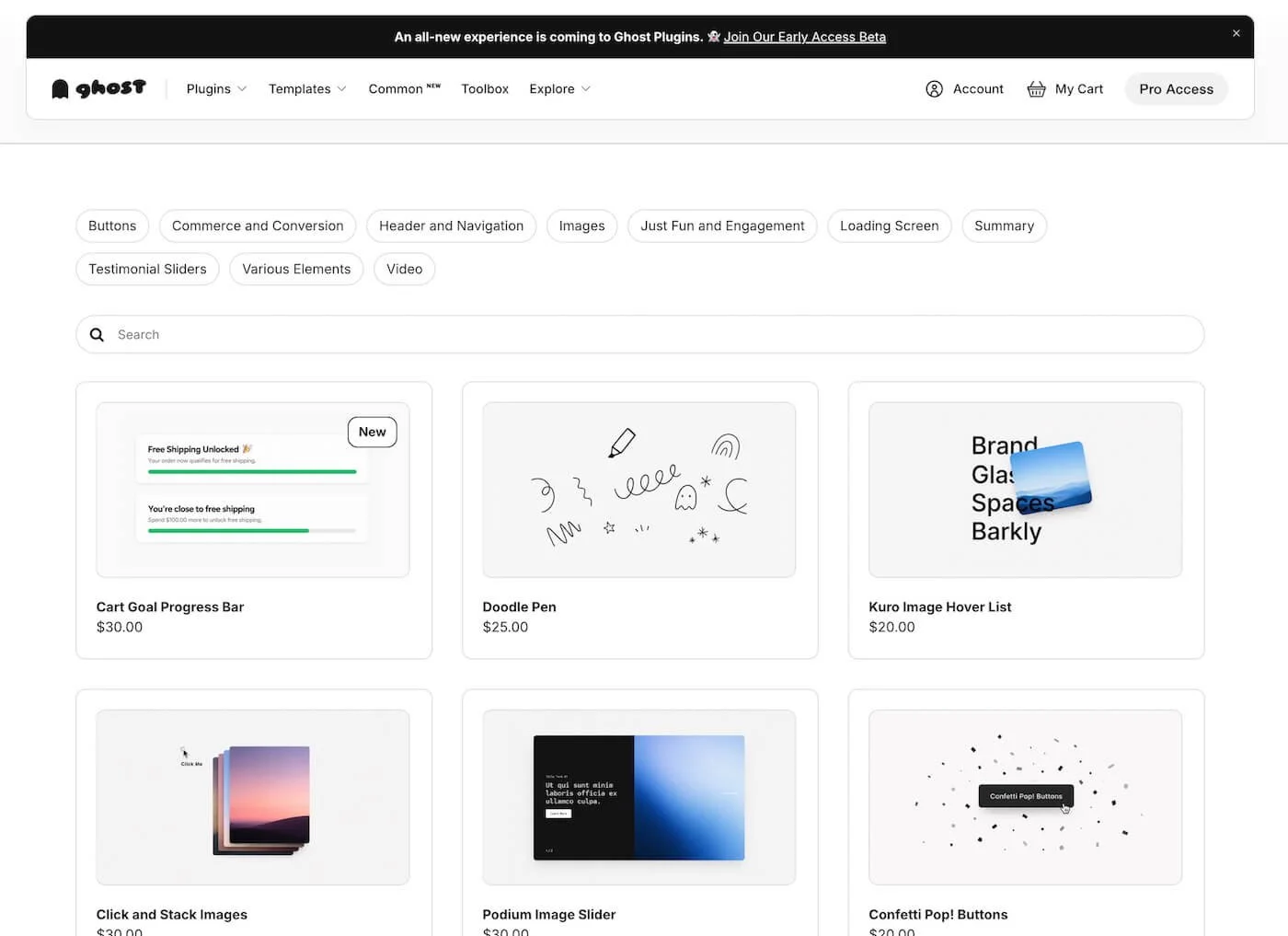
The team behind Ghost Plugins have also created Ghost Marketplace where you can find plugins, templates, and more in the very first product-based marketplace for Squarespace. Set aside an hour or two (if you’re like me, you may need more) and browse the cool, useful and unique additions for your Squarespace site.
I am a Ghost Marketplace affiliate.